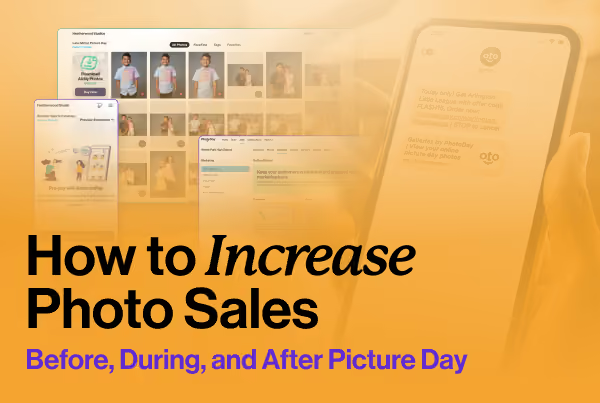



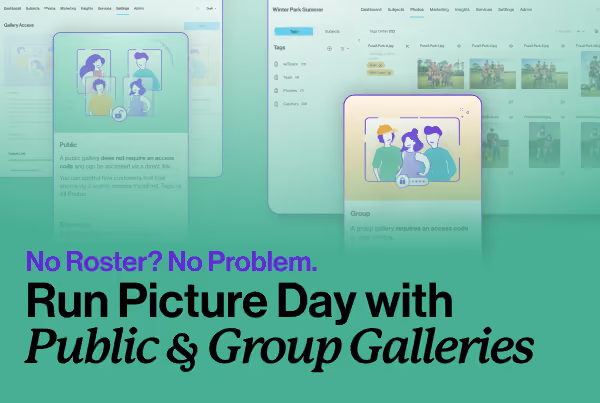


Most volume photography studios publish a gallery and wait. Some orders come in. Some don't. But the ones doing it well aren't just waiting after publishing—they've built a system that works before picture day even happens, keeps parents moving through a 30-day sales cycle, and gives buyers a reason to act now instead of later.
PhotoDay COO and Co-Founder Lisa Mallis walked through this proven system in a recent webinar. Here's what she covered.
Start with What You're Selling
Everything downstream depends on the images. Lisa was direct about this: "Image is everything in this online environment." When there are no customers at your event, no parents on the sideline, no one flipping through proofs in real time, the gallery is the first impression, and the inventory you've built is what either earns the sale or loses it.
That means gear matters. Lighting matters. Efficiency on picture day matters. Studios that have upgraded their photography workflow as they've moved online are creating more high-quality images, building a larger inventory to sell from.

There's no amount of post-processing that makes up for what happens in the camera. If you can get this part right, everything else gets a whole lot easier.
The Four Keys to Selling Online
The main components of this strategy are connection, engagement, urgency, and incentive. These aren't abstract. Each one maps to a specific set of decisions you make before and after picture day.
Connection: Get Into the Right Communication Channel
Start 2-4 weeks before picture day. Before you worry about galleries or offers, find out how your school or league actually reaches parents.
"How do you communicate important information to parents?" Because that's the funnel that you want to be in first.
Ask your contact which channels they use: text apps, email, social media, printed flyers, bulletin boards. Then get into all of them. One email rarely creates enough awareness, some parents only read texts, and others only respond to printed materials—you need multiple touchpoints in multiple places.
PhotoDay's marketing kit includes customizable templates for flyers, posters, signs, reminder cards, and social graphics, all ready for your branding. Plus, you can use Marketing QR codes (which can now be generated directly inside the platform) linked to a gallery URL or an SMS opt-in, without any third-party tool.
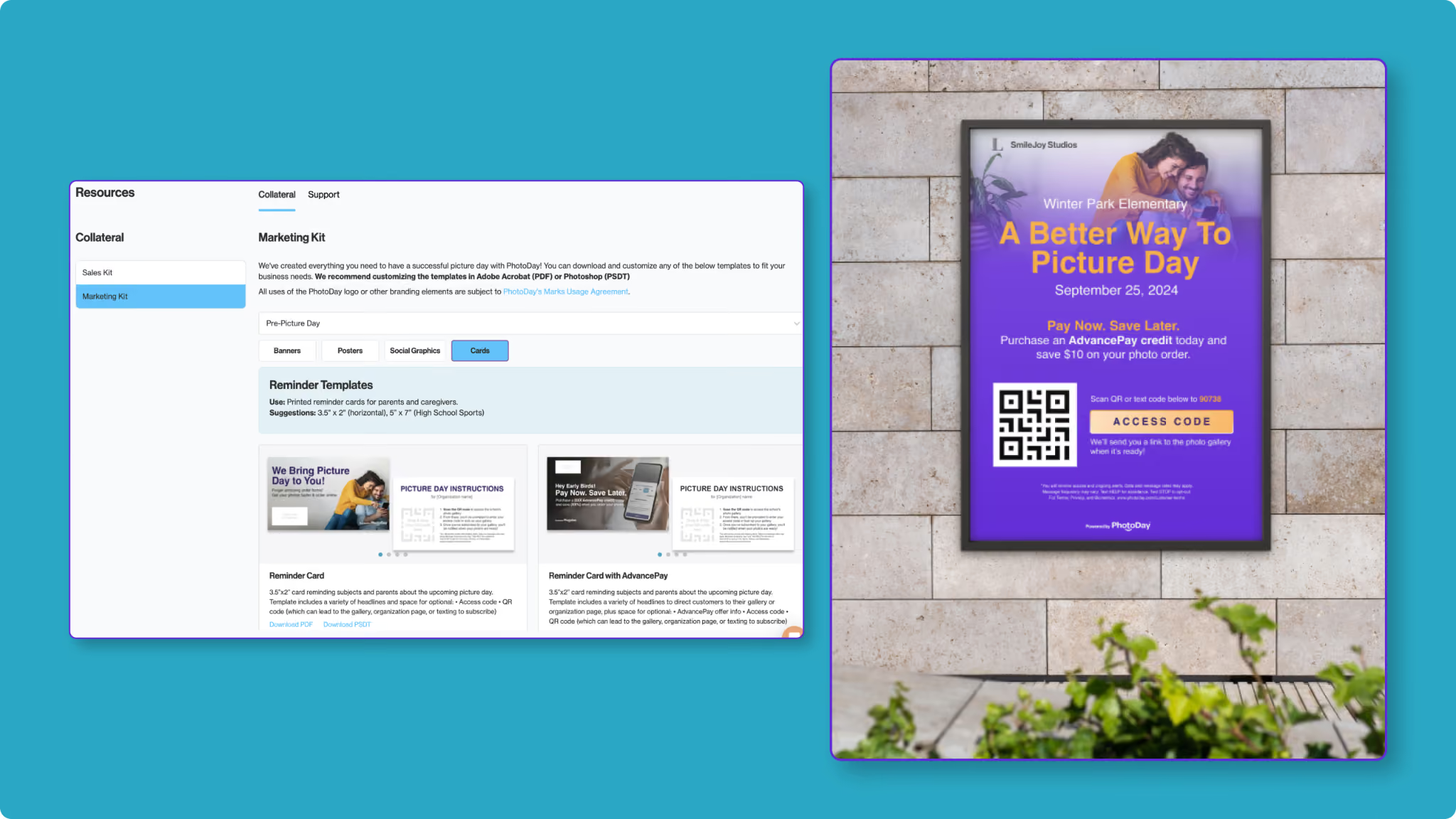
Those opt-ins are key! Think of them the way you thought about paper forms: "Replace paper forms with opt-ins. That's your paper form, because once they're opted in, you have a higher chance to convert. If they never know about the gallery and they're not opted in, you have zero chance of selling to that person."
Engagement: Text Converts. Use It.
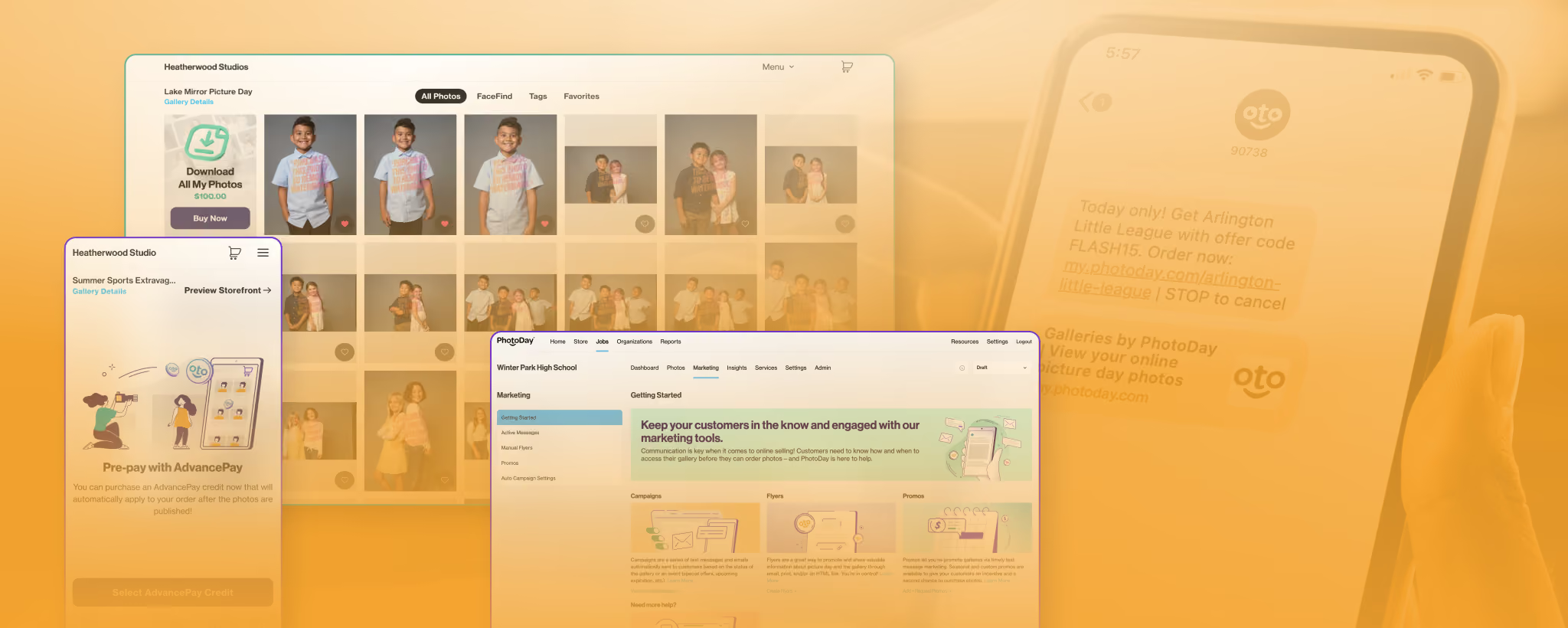
Once someone is opted in, the trick is to bring them back into the gallery until they buy. PhotoDay automates this across a 30-day cycle: gallery launch messages, reminder texts, purchase confirmations, shipping updates, etc. You don't even have to set this up per job, because it runs automatically.
"Text marketing, especially through our short code (90738), converts the most sales." Over half of a job's revenue typically lands in the first seven days after publish, with a big chunk in the first three, driven largely by those initial opt-ins and the automated texts that follow.
A note on compliance: You cannot import a list of phone numbers and blast them yourself. TCPA rules require genuine opt-in, clear disclosure of what they'll receive, and an easy opt-out path. PhotoDay's system handles the compliance framework. What goes out is transactional communication tied to the gallery, not cold outreach.
Urgency: Build a Reason to Buy Now
Without urgency, buyers will naturally wait. They may wait until the gallery expires, and that expiration notice is often the first urgency signal since publish. Lisa's advice: don't let that be your only one.
Tactics that work:
- Gallery promotions at launch (free shipping for the first 2 or 3 days)
- Limited-time price sheets, where money-saving packages are only available for the first 30 days, then the gallery goes à la carte
- Flash sales for jobs where a launch promo was missed
- Expiring galleries at 30 to 45 days; larger studios often batch expirations at the end of each season
- Fundraiser deadlines, where the org's commission only applies to orders placed before a specific date
Pick your model and stick with it. When you repeat the same pattern across every job, customers learn what to expect. Early buyers always get your best price. PhotoDay gives you the tools to run it seamlessly every time.
Incentive: Tell Them What to Spend
Incentives aren't discounts. Lisa says, "I don't ever want you to think of this as discounting your products and services. You're giving them an incentive to purchase and purchase more."
The goal is to motivate the behavior you want, and spend thresholds work well; set a minimum order amount and offer a percentage off or a dollar amount back. The classic retail mechanic applies: when someone sees they're $5 away from getting free shipping, they add something to the cart.
A few offer ideas to try:
- An AdvancePay credit offer that beats the gallery promo, rewarding early buyers more than those who come in later
- Save 10% on orders over a set threshold
- $20 off orders of $200 or more
- Free shipping to the first 20 buyers (a max redemption offer is good for building early momentum with new organizations)
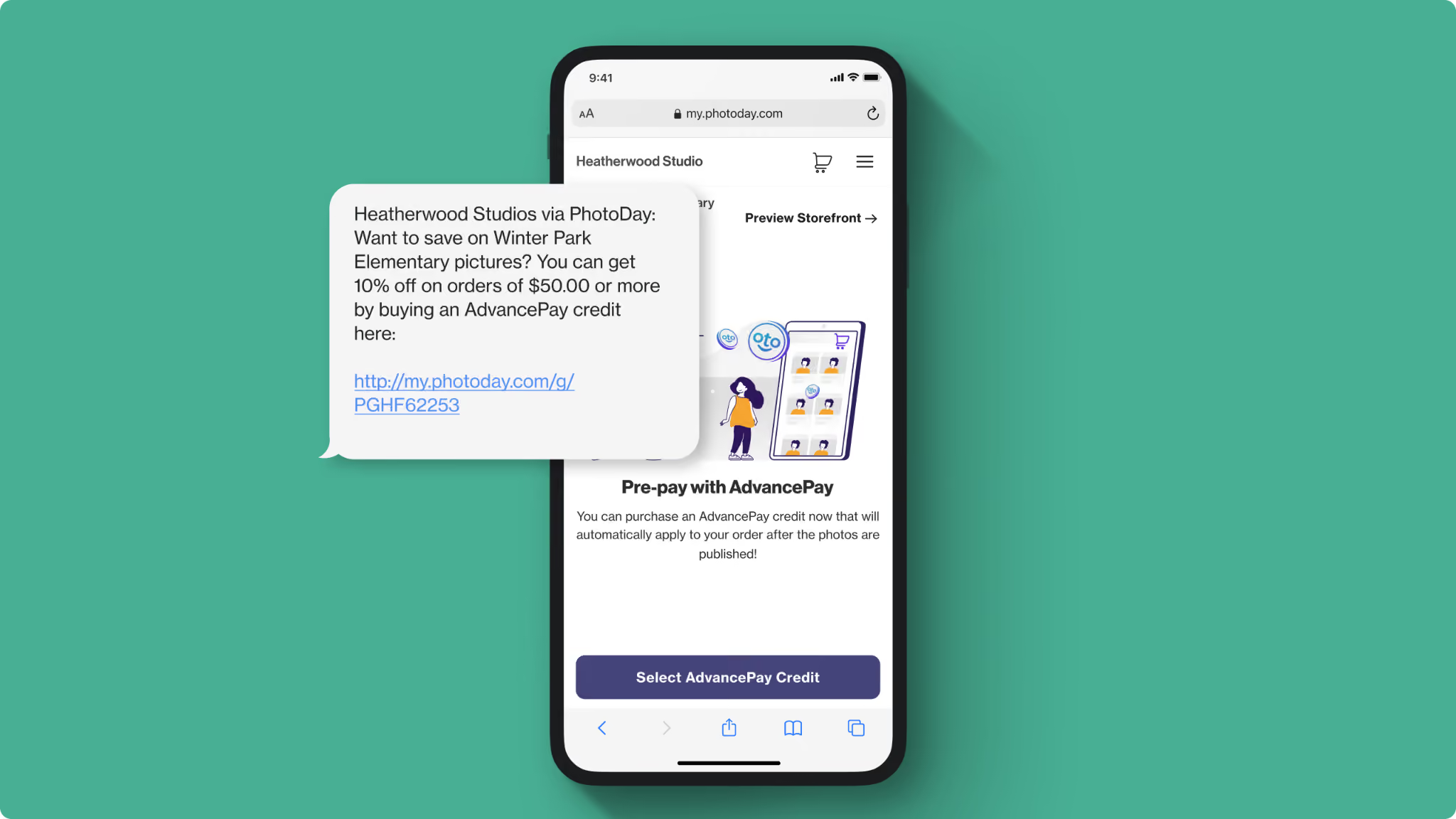
For AdvancePay specifically, it functions as digital credit purchased before or during picture day, available in $5 increments, redeemable for anything in the storefront. Studios can attach incentives to it or simply require it as a "sitting fee" (which is especially helpful for dance, compositing-heavy jobs, or team photo work where the upfront investment is significant). "Orders that have AdvancePay applied to them are higher than orders that don't, because money spent is money forgotten."
One Tool That's Changing AOV
Download All deserves its own section! This product is quick and simple thanks to FaceFind, our facial clustering technology. Unlike other platforms, you don't have to sort through QR codes or deal with manual matching headaches to offer Download All to your customers.
All you have to do is set the price for the Download All product in your price sheet, then your customers can get every photo of their child as High-Res digital downloads—instantly with just a few clicks and zero extra work on your end.
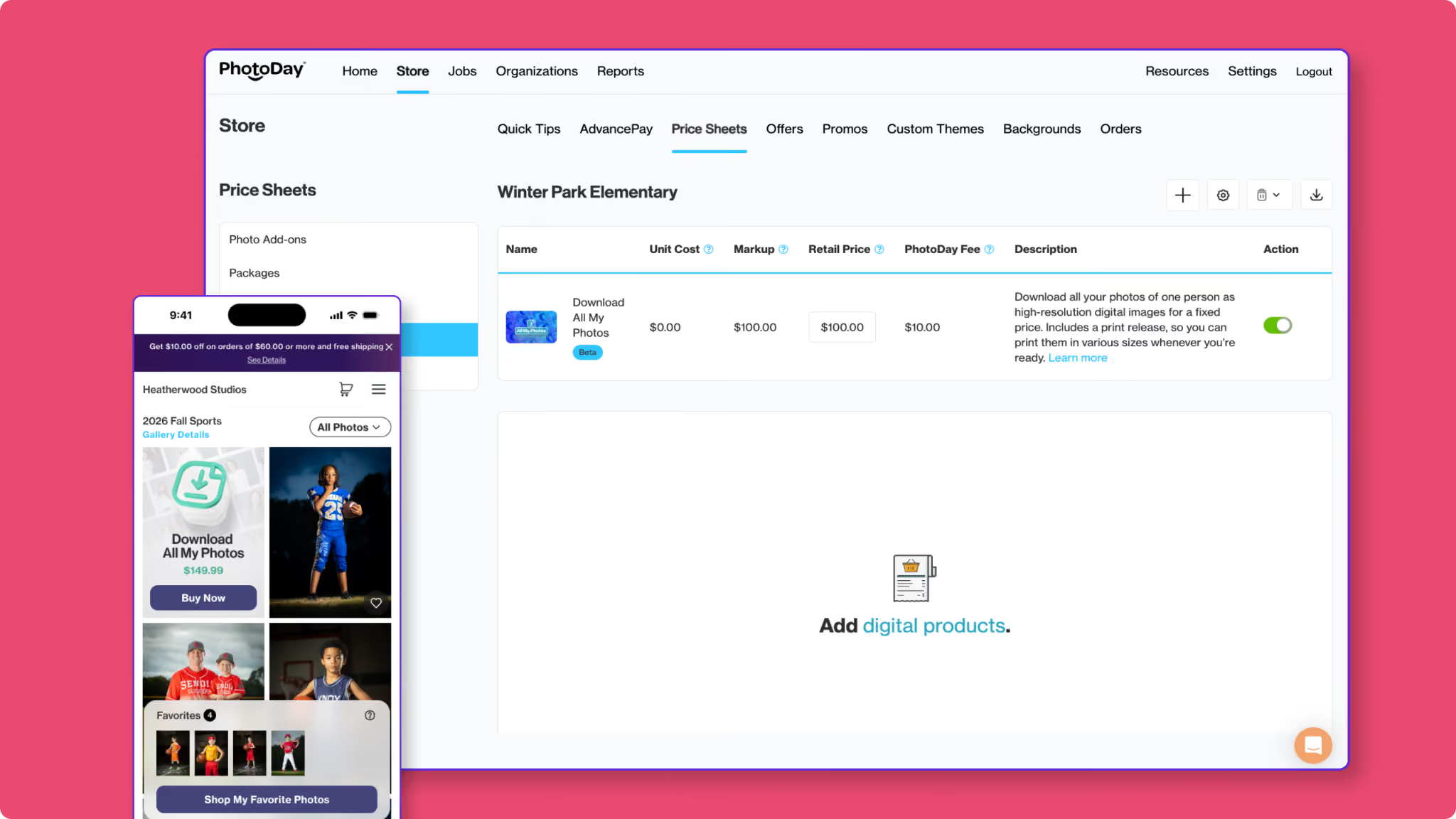
Jay and Carinna Boatwright of smaX Photography put it simply: "Download All changed the game. Parents can grab every image in just two clicks—one to find, one to buy. The results: +30% AOV and +27% revenue per subject photographed. Faster checkout, bigger orders, more money every time we press the shutter."
But don't worry! Print sales haven't declined. This digital revenue is merely additive. If you're not currently offering Download All, it's worth a close look before your next gallery publishes.
The studios generating strong online revenue aren't relying on the gallery to do the work by itself. They're getting customers to opt in before picture day, leveraging automated communication that brings buyers back throughout the sales window, building urgency into the launch, and giving customers a clear reason to spend more.
These four keys—connection, engagement, urgency, and incentive—work together to create a predictable, satisfying revenue pattern. Check out the webinar replay to learn even more!
Want to walk through how you can implement any of these tips for your next picture day? Request a demo to connect with the PhotoDay team. Want to jump right in? Create a free account to get started.


