Customer Gallery Improvements
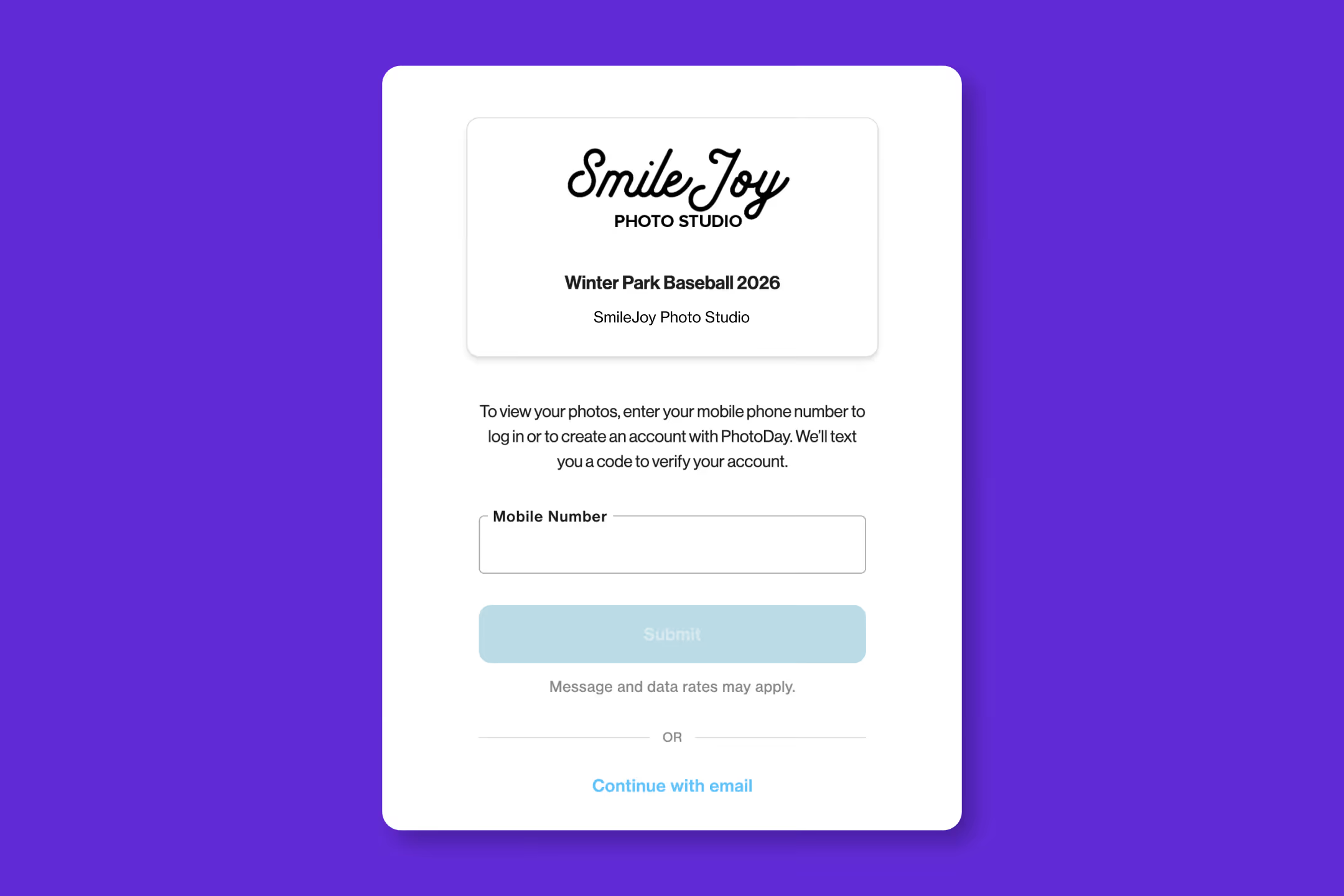
Smoother logins and faster paths to purchase in PhotoDay
We’ve been busy making thoughtful improvements to the customer experience in PhotoDay Galleries. Focused on enhanced clarity, confidence, and flow, we’re removing friction (both reported and potential) at every step.
Let’s dive into what’s new!
Better context, better branding
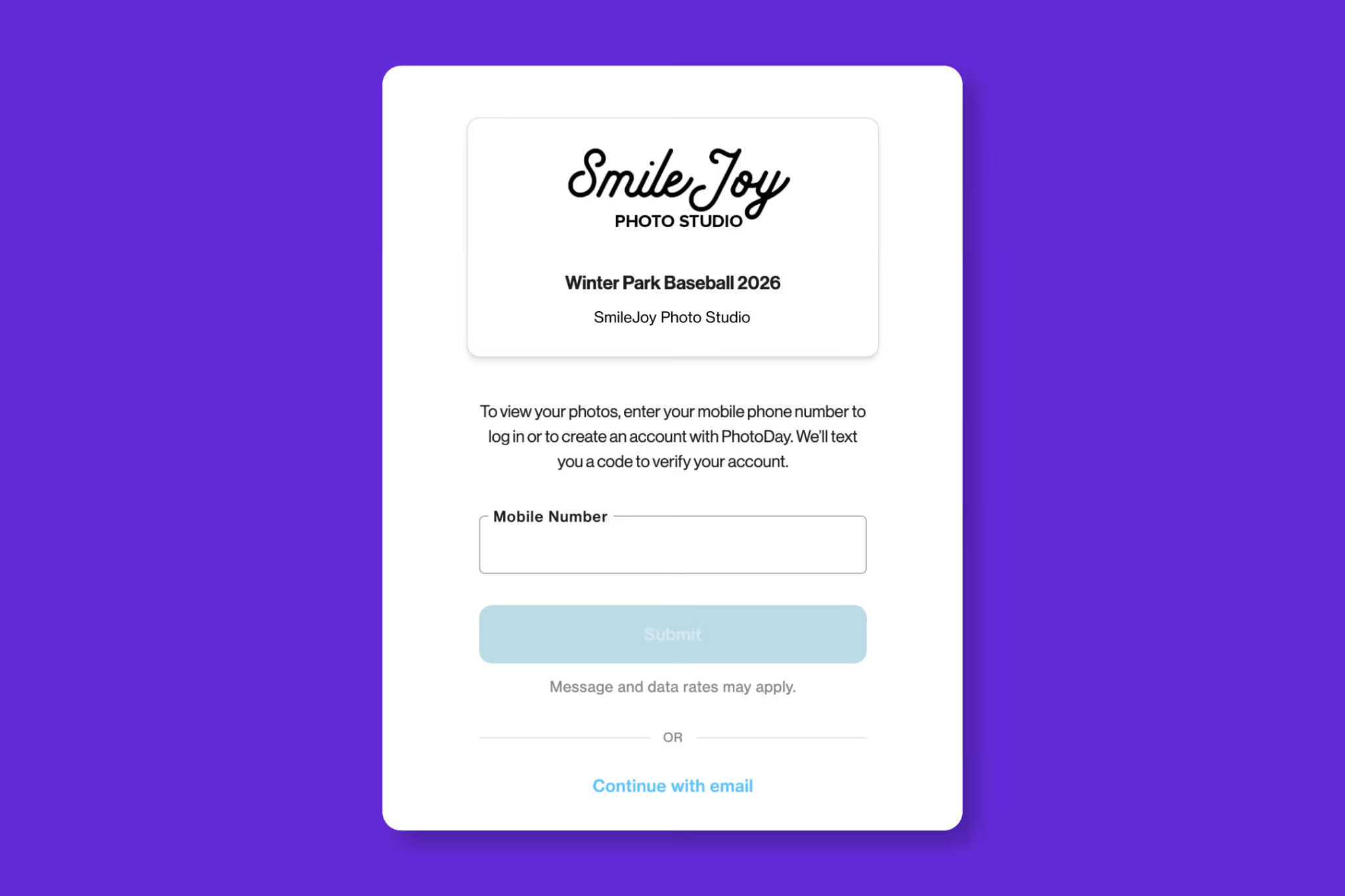
When customers click a job-specific link and are redirected to log in, the page now retains that job’s context. This means your studio logo and gallery details are displayed right on the login screen.
This will help reduce confusion during login—customers immediately know where they are and why they’re being asked to sign in—while featuring your studio’s brand. Even better, this added context builds trust and confidence when customers create or access their accounts.
A clearer path from previewing to purchasing
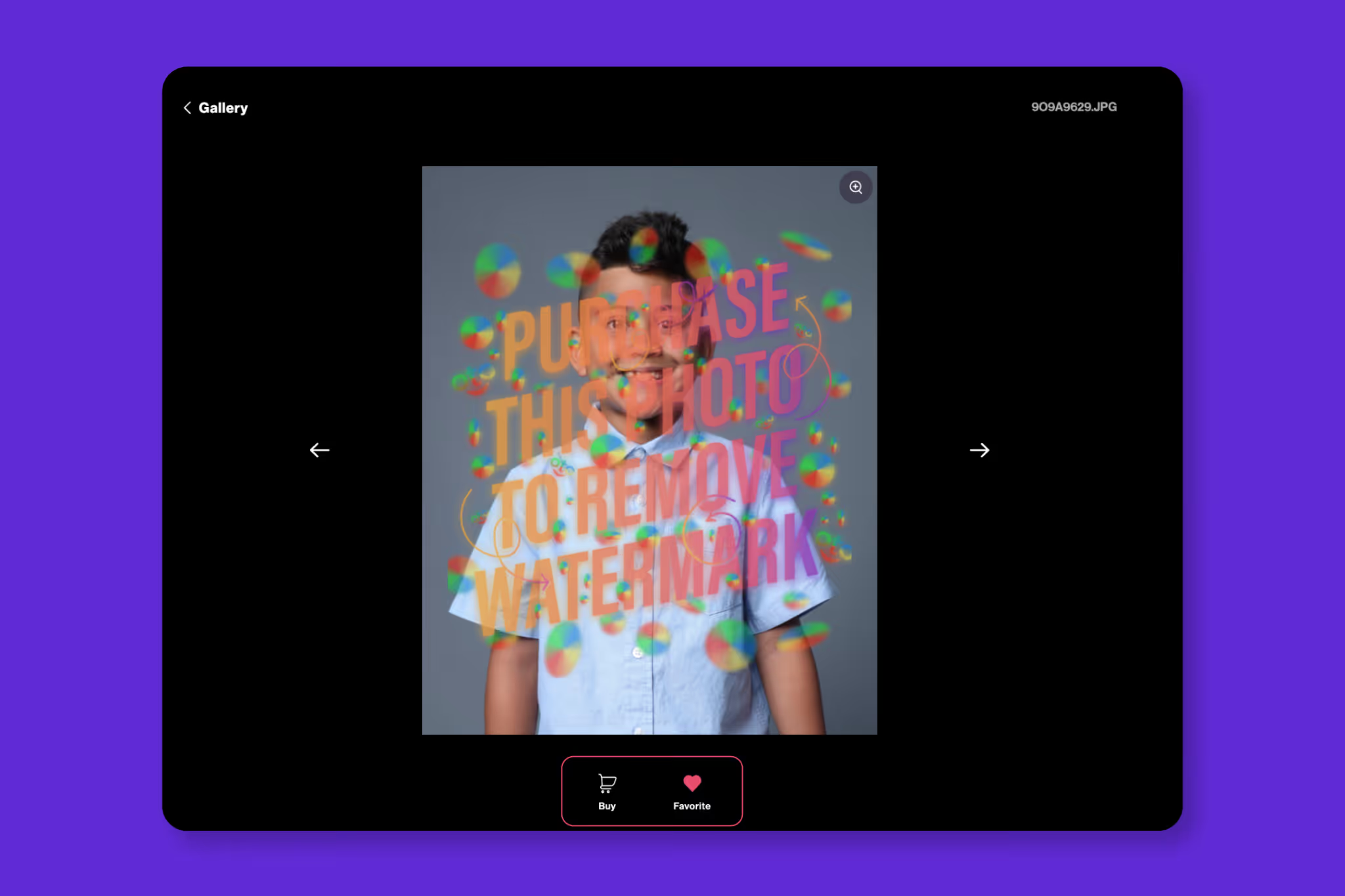
We added a "Buy" button to the Image Detail view to make it easier for customers to move forward.
While it may look small, this update reduces the risk of customers feeling “stuck” while viewing an image and creates a clear, intuitive path to the storefront.
Plus, when a customer clicks "Shop" from an image, that photo is automatically favorited, and they’re taken directly to the storefront to start customizing their order.
More intuitive “Find Your Photos” search
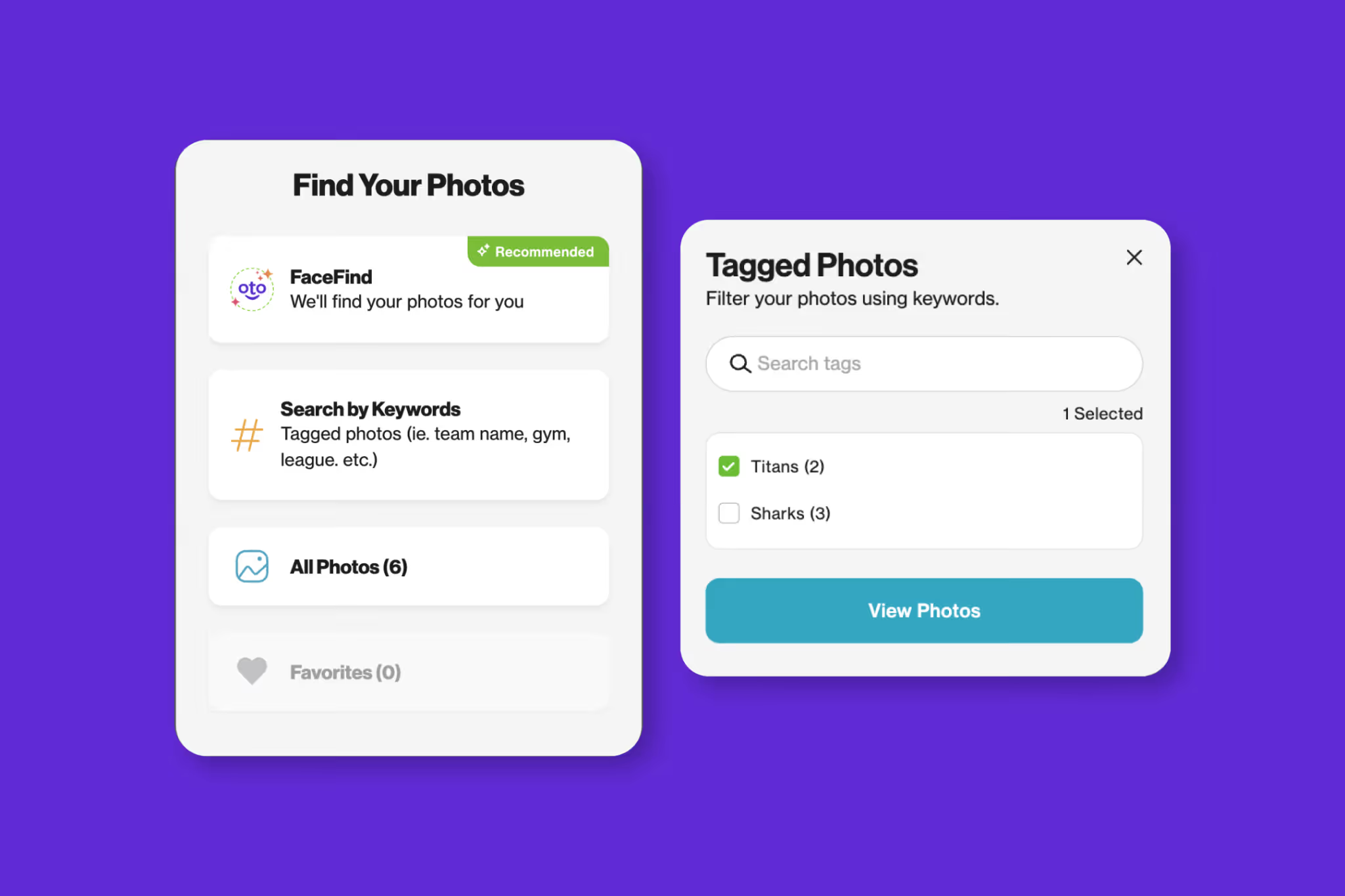
We’ve made several thoughtful improvements to help customers find their photos faster:
Clearer search language:
“Tags: Search using keywords” is now ➡️ “Search by Keywords: Tagged photos (i.e. team name, gym, league, etc.).” This better explains what customers can search for and how it works.
More actionable buttons:
After selecting tags, the Filter button is now labeled View Photos—making the next step crystal clear. The button is also disabled until at least one tag is selected, helping guide customers through the process.

An easy way to try again:
If a FaceFind or Tag search returns no results, customers will now see a Find My Photos button. This reopens the search modal so they can quickly try another search without any dead ends.
Panoramic photos, now fully visible
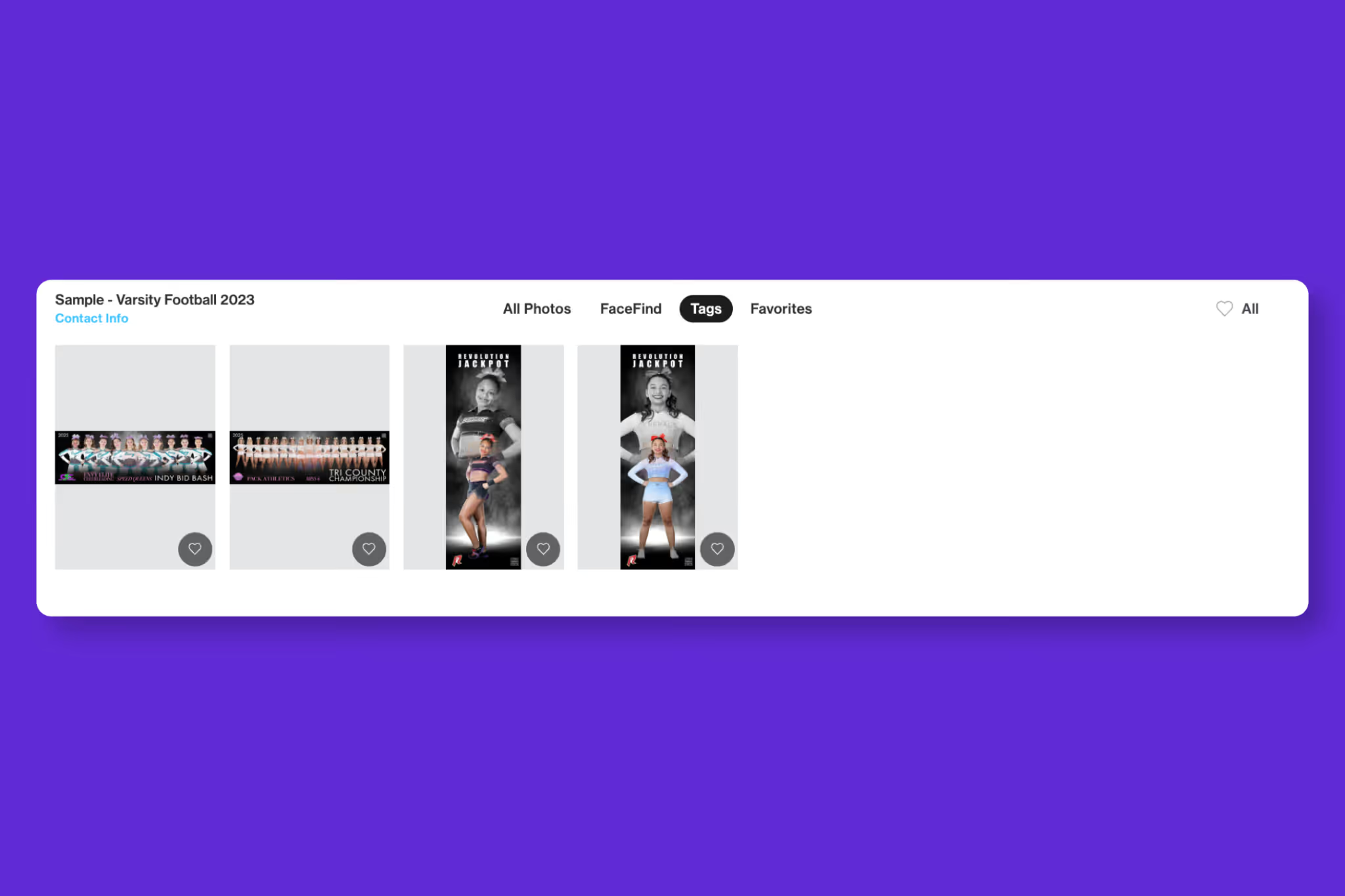
Panoramic images now display fully in the gallery grid without being cropped, giving customers a better first look at wide-format photos.
Easy-to-find studio contact information
We renamed Gallery Details to Contact Info so customers can more easily find your studio’s contact information when they need it.
Faster product customization
We streamlined the product customization flow by removing an unnecessary step, so now:
- Single-image products open directly to image selection
- Multi-image or themeable products open straight into the first customization step
Fewer clicks, less confusion, and a smoother path to checkout.
A faster checkout with fewer keystrokes
During checkout, a customer’s name will now automatically populate from their PhotoDay account.
This small change saves time and helps customers move through checkout faster. If they need to make a change, the field can still be edited.
As always, these updates are designed to help your customers feel empowered and excited to buy—all while making your galleries work harder for your business so you can spend more time doing what you love.
These updates are part of PhotoDay Version 9.0. View full release notes.


